Videos with your brand's logo, and 50+ looks ready to use
Set your logo, intro and end screen once and every new video of the project has them. Pick the look that fits from a library of 50+ looks.
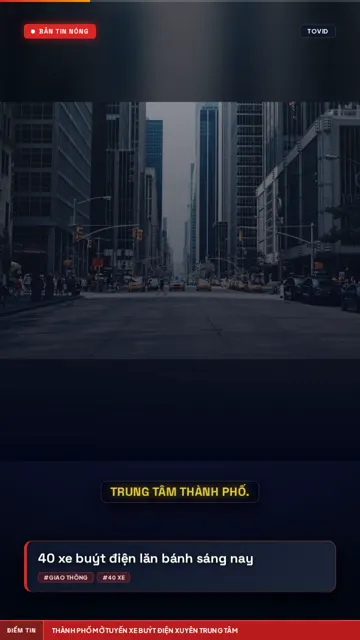
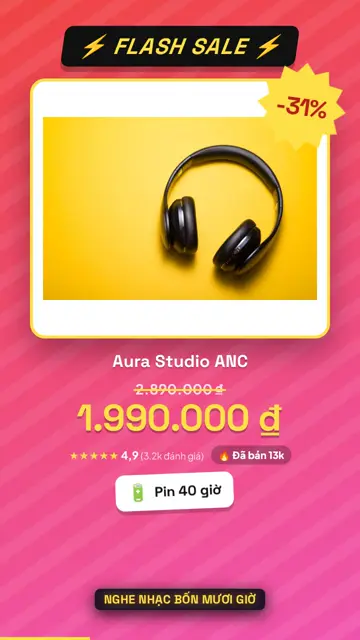
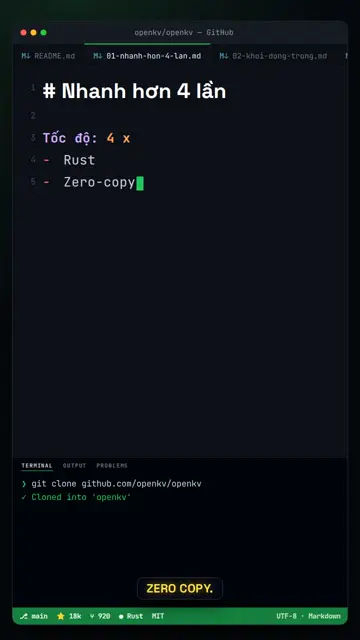
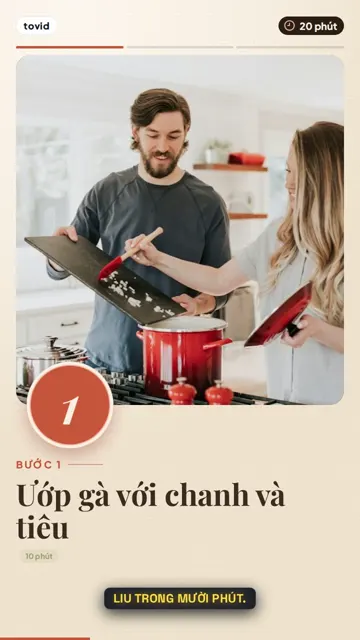
What is the brand kit?
The brand kit makes your videos instantly recognisable. Set a logo (text or image), an intro style, an end screen and a source credit for the project; every new video of the project gets them automatically.
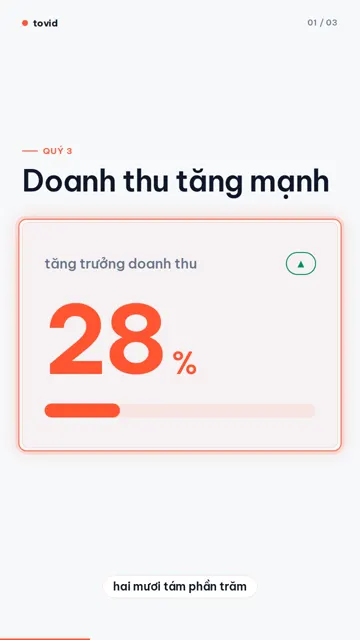
Intros come as breaking news, channel logo, editorial, or your own intro video (MP4, 0.5–15 seconds). End screens have a call-to-action button or a follow-the-channel message with your website, read in the video's own voice at no extra credit cost.
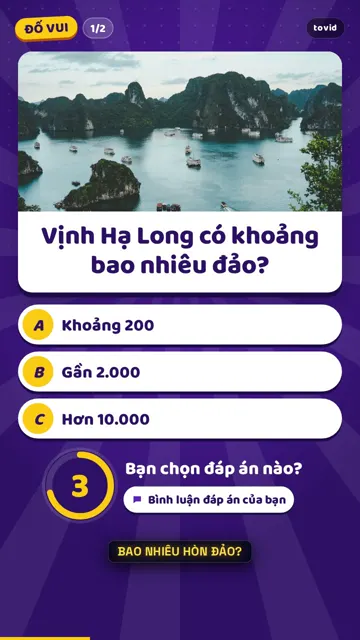
The look library has 50+ looks for news, products, tech, lifestyle, engagement, explainers, minimal and brand videos. AI picks one for the content and you switch in one click.
Why use the brand kit
Set it once
Logo, intro and end screen are saved per project and applied to every new video.
Your own intro video
Upload your intro MP4 and tovid joins it to the start of every video when rendering.
One brand per client
Each project has its own brand, voice and channels, made for agencies.
50+ looks
From news bulletins and flash sales to chalkboards, quizzes, and minimal light and dark looks.
How to set up your brand kit
- 1
Open the project settings
In the Brand section: a text or image logo (PNG, JPG or WebP up to 2 MB).
- 2
Pick the intro and ending
An intro style or your own intro video, and an end screen with a call to action or a follow message and your website.
- 3
Choose the project's looks
Pick the looks the project uses; content plans rotate between them.
- 4
Make videos
Every new video of the project has your brand. In the editor, "Save as default" updates the project.
Who it is for
Brands and businesses
Consistent logo and colours on every channel.
News sites
A bulletin intro and a clear source credit on every video.
Agencies
One project per client, each with its own brand kit.
Pricing
The brand kit and the look library are in every plan. The Free plan carries a tovid watermark; paid plans have none.
Free
Includes thisLite
Starter
Growth
Scale
Pro
60s video = 25,000 · 90s = 31,500 · 120s = 37,500 credits · 500 credits per channel post
Frequently asked questions
Which videos get the brand kit?
Every new video of the project. Videos made earlier keep their look; edit them in the video editor if needed.
What format does my intro video need?
An MP4 file of 0.5–15 seconds, up to 15 MB. tovid joins it to the start of the video when rendering.
Does the end screen cost extra credits?
No. The end screen's voice-over uses the video's voice and is free.
How many looks are there?
50+ looks for news, products, tech, lifestyle, engagement, explainers, minimal and brand videos, most with a video preview.
Can each client have their own brand?
Yes. Each project has its own brand kit; projects per plan: Free and Lite 1, Starter 2, Growth 5, Scale 10, Pro unlimited.
Do videos have a watermark?
The Free plan carries a tovid watermark. Every paid plan, Lite included, has none.
Related features
Every video carries your brand
Set your logo, intro and end screen once for the whole project.